
Skip to content
DRENIX
ServicesStartupsProjectsCompanyContact
DRENIX

A ten-floor IT company: development, design, marketing, AI and support for startups.

  • +998 90 000 00 00
  • info@drenix.uz
  • Telegram @drenix

Departments

  • Engineering
  • Design Studio
  • Growth
  • Strategy
  • Launchpad
  • AI Lab
  • Cloud
  • Security
  • Systems
  • Partners

Pages

  • Services
  • Startups
  • Projects
  • Company
  • Contact

Social

  • Telegram (opens in a new tab)
  • Instagram (opens in a new tab)
  • LinkedIn (opens in a new tab)

Tashkent, UzbekistanMonday–Friday9:00–19:00

© 2026 DRENIX. All rights reserved3D models based on work by 99.Miles and webadartist, CC BY 4.0
  1. Home
  2. /Services
  3. /Design Studio

UI/UX design and branding

A visual language that sets your brand apart, and interfaces your users understand.

Start a projectSee how we work
09Design Studio
Timeline
3–5 weeks
Concepts
2–3 directions
You get
Brand book, UI kit
Tool
Figma

What Design Studio does

We study your audience and competitors first, then design. You get a logo, colors and typography, a component library in Figma and a usage guide, so future designers can keep the same style.

Who works on this floor

  • Art directorKeeps one idea across the whole project
  • UX researcherTalks to your customers and tests the flows
  • Brand designerLogo, color, type and brand book
  • UI designerScreens, components and prototypes
  • Motion designerTransitions and short product videos

What you can order

Brand identity
Name, logo, colors, typography and a brand book.
UX research
Customer interviews, user journeys, competitor analysis.
Interface design
Web and mobile screens, interactive prototypes, motion.
Design system
Figma components and a UI kit kept in sync with the code.
DRENIX Client — Brand & UI

Layers

Home

Header

Hero

Products

Mobile / Catalog

Logo

Colors

Home — 1440
NOVACatalog · About · Contact

Fresh
coffee
daily

Hero · 1440×720
NOVA
#1a1210
#ec6a26
#f39a4a
#efe7dd

Text

Aa

Archivo Condensed

Bold · 64/58

Layout

X 0Y 96W 1440H 720

Fill

1A1210

To start, we need

  • Access to a few customers
  • Old logos, photos and texts
  • Quick feedback, once a week

You take home

  • Brand book (PDF)
  • Figma design system
  • Interactive prototype
  • Social media templates
  • Print layouts

How we measure the work

  • Tasks users finish without help
  • Components reused in code
  • Consistency across channels

Tools

  • Figma
  • Adobe Illustrator
  • Photoshop
  • After Effects
  • Spline

Works with

  • EngineeringFor building the interface exactly as drawn
  • GrowthFor creatives in one style
  • LaunchpadFor first brand for new products

Questions

Can I order just a logo?

Yes. But we deliver it with at least colors, typography and usage rules, otherwise it ends up looking different everywhere.

How many options do you show?

2–3 directions. Once you pick one, we refine it until it matches what we agreed.

Floor aboveEngineeringFloor belowGrowth

Book ameeting

At our office or online. In a 30-minute call we review your project and give you a concrete proposal.

  • +998 90 000 00 00
  • Telegram @drenix

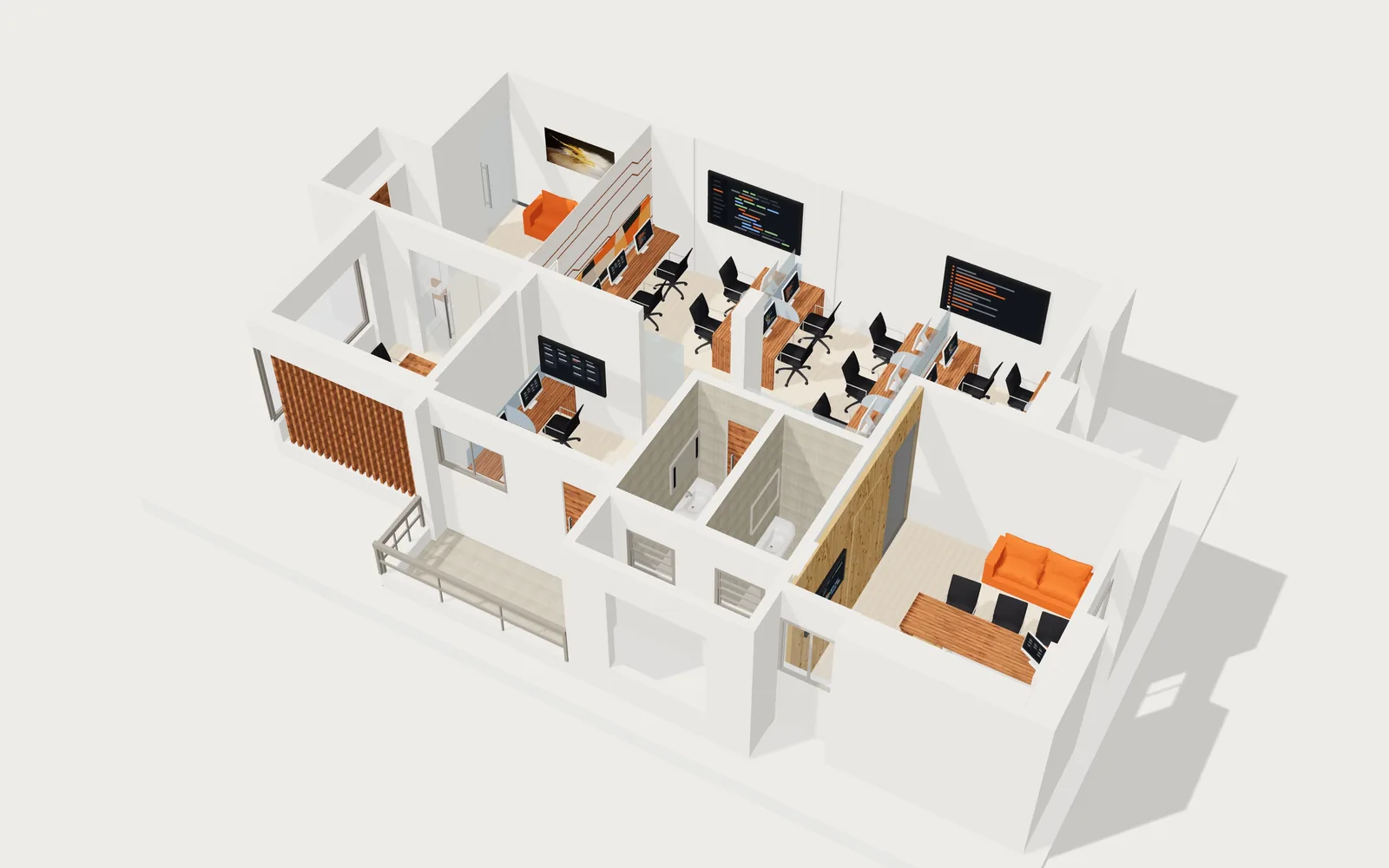
Room by room

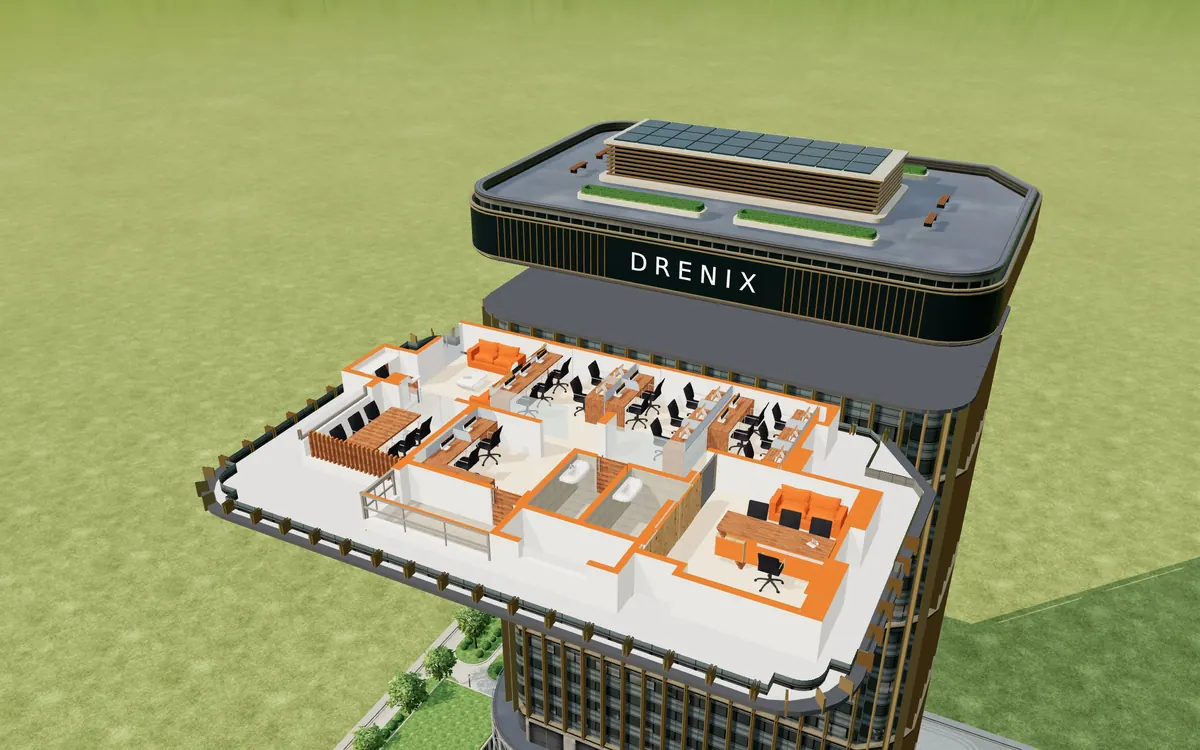
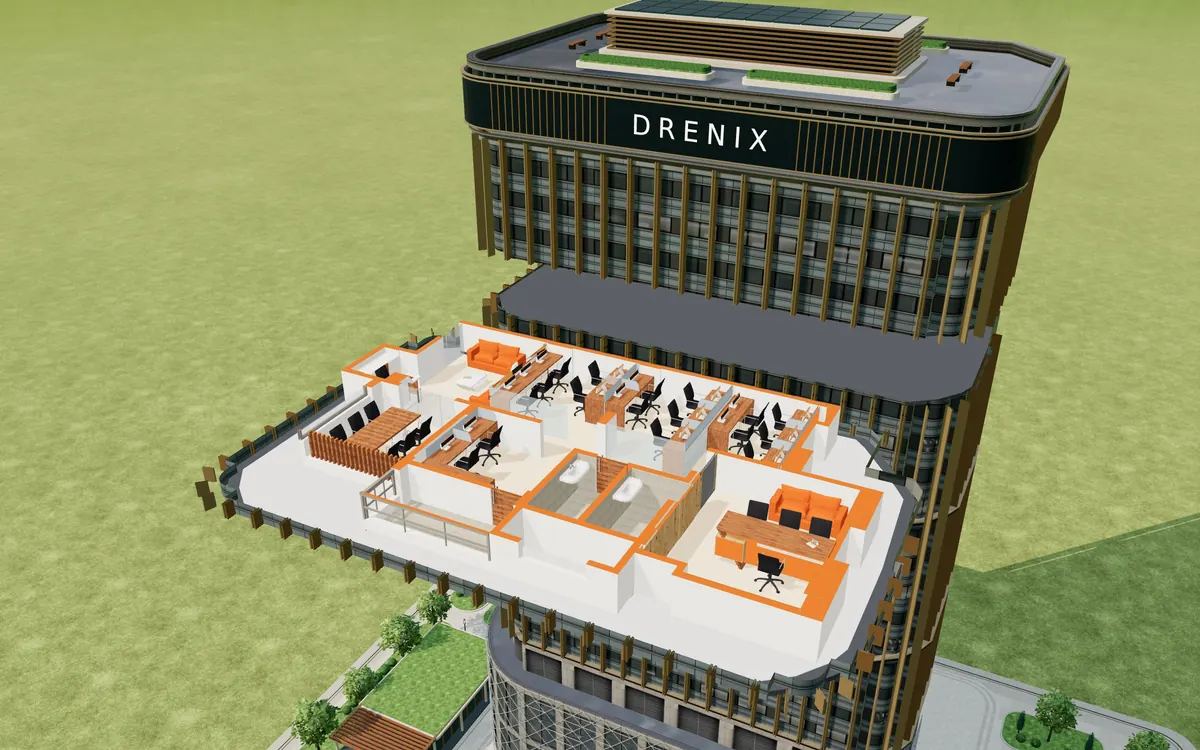
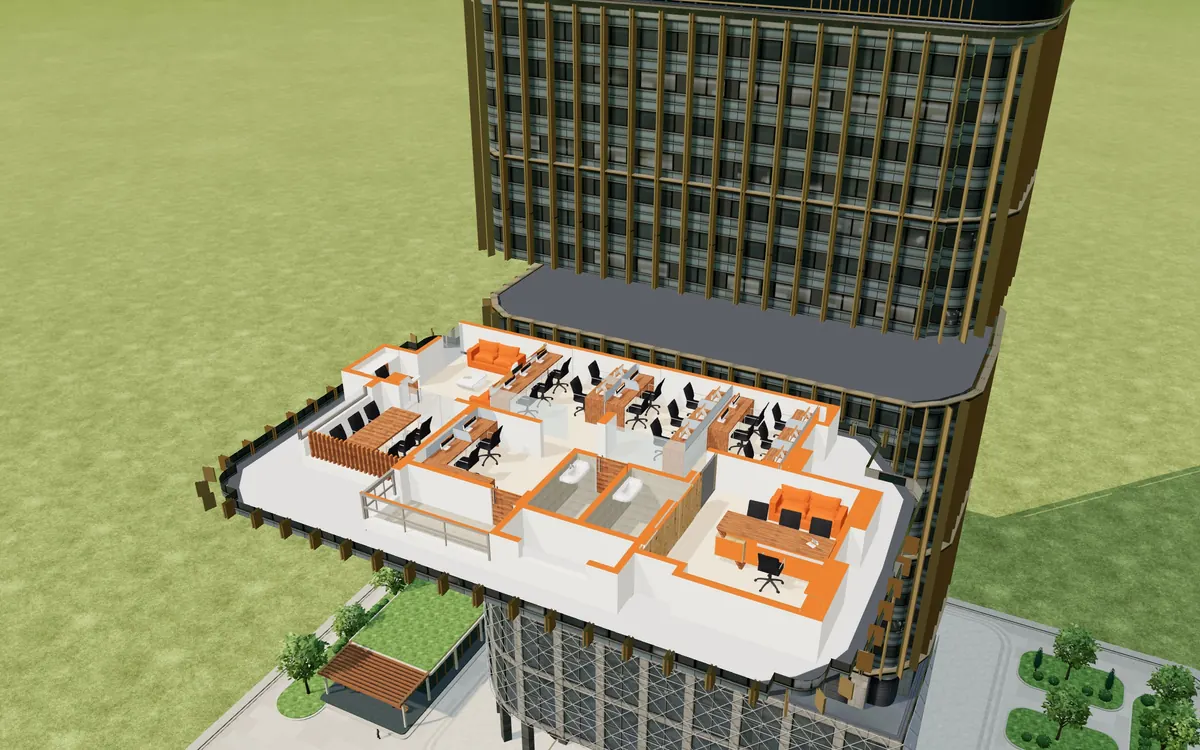
A project crosses the floor from the first talk to the result. Scroll, or pick a room.

Interview loungeDesign Studio

We listen before we draw

Talks with you and with a few of your customers show what people need and where they get lost today.

  • Interview the owner and the team
  • Talk to 4–6 customers
  • Collect the materials you already use

You get: Interview notes and goals

Insight wallDesign Studio

Research turns into a direction

Competitors, customer journeys and the interview notes go up on one wall. The direction is chosen here, together with you.

  • Competitor and market audit
  • Map of the customer journey
  • Positioning in one sentence

You get: Research summary and direction

Brand deskDesign Studio

Logo, color and type

Quiet work on the identity. You see two or three clear directions, not twenty variants.

  • Sketch and refine the mark
  • Choose colors with readable contrast
  • Set the typography and the tone of voice

You get: 2–3 brand directions

Interface bayDesign Studio

Screens take shape

Wireframes become finished screens for web and mobile, with every state drawn: empty, loading, error and success.

  • Wireframes and user flows
  • Web and mobile screens in Figma
  • Motion for the key moments

You get: Interface in Figma

Test labDesign Studio

People try it before code exists

We give the prototype to real users and watch. What confuses them is fixed while it is still cheap.

  • Clickable prototype
  • Usability sessions with 5 people
  • Accessibility check: contrast, sizes, keyboard

You get: Tested prototype

Review roomDesign Studio

Design system and handoff

Components, rules and files are packed so that developers and future designers can keep the same style.

  • UI kit that matches the code
  • Brand book and templates
  • Review of the built product

You get: Brand book and design system

Room 1 of 6

Short meeting

30 minutes, free